
This is the user guide of ProScreen PXG20 multimedia projector. The projector has automatic focus, D-Zoom function and supports VGA, HDMI and other video interfaces.
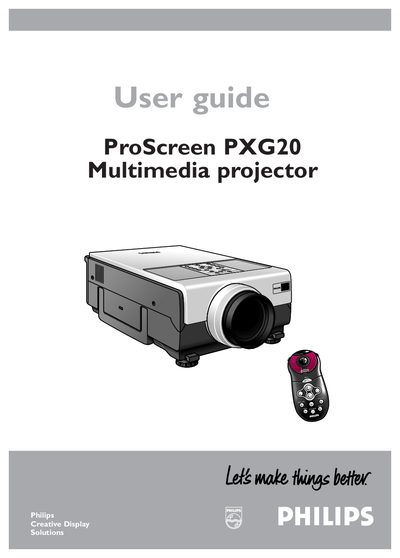
This guide covers important safety precautions, proper installation, and recommended maintenance for the Philips ProScreen PXG20 multimedia projector. It includes warnings about electrical shock, fire risk, and proper handling of the lamp and filter.
The manual explains how to connect video and audio sources, use the remote control, adjust lens and zoom, and troubleshoot common issues such as overheating or lamp warnings. Detailed functional overviews and menu navigation help users operate the projector efficiently.
| Power supply voltage | 110‑120 V / 220‑240 V AC |
|---|---|
| Lamp life | Up to 1,000 hours |
The air filter should be cleaned after every 100 lamp hours.
The projector can be used with either 110‑120 V or 220‑240 V AC power sources.