
This is a multimedia projector, model bSure 1 / bSure 2, it can connect to a computer and an external monitor, supports CVBS, S-VHS, Scart connection, supports Pr, Y, Pb/Cr, Y, Cb interface.
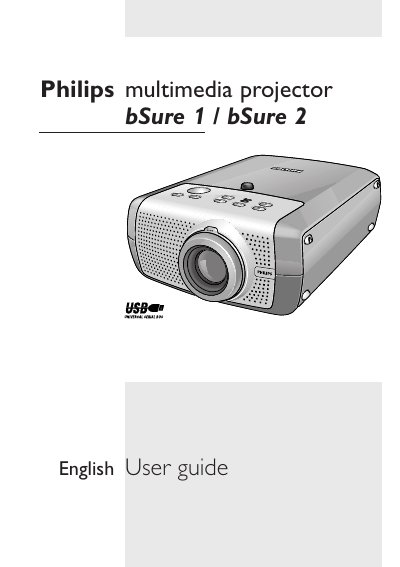
This guide covers everything you need to get the Philips bSure1 / bSure2 multimedia projector up and running. It explains how to unpack the unit, connect power and video sources, position the projector for front, rear, or ceiling projection, and adjust focus, zoom, keystone and other picture settings.
The manual also details remote‑control functions, USB/PS‑2 mouse control, lamp replacement, cleaning procedures, indicator meanings, and a full troubleshooting section to help resolve common issues such as lamp life warnings, temperature errors, and signal problems.
| Horizontal scan rate | 15-108 kHz |
|---|---|
| Vertical refresh rate | 50-120 Hz |
| Bandwidth | 140 MHz |
| Display Data Channel (DDC) | 1/2B |
| Replacement lamp power (bSure1) | 132 W |
| Replacement lamp power (bSure2 Brilliance) | 150 W |
| Replacement lamp power (bSure2 Brilliance/LC3136) | 200 W |
Press any button on the projector or remote control to switch it on.
When the lamp indicator shows red, replace the lamp as described in the Maintenance section.
Connecting a USB cable installs the remote‑control mouse function, allowing the remote to act as left/right mouse buttons on the computer.