
This document is the user manual of ProScreen PXG30 Series 2 multimedia projector, which introduces the use, maintenance and maintenance of the product.
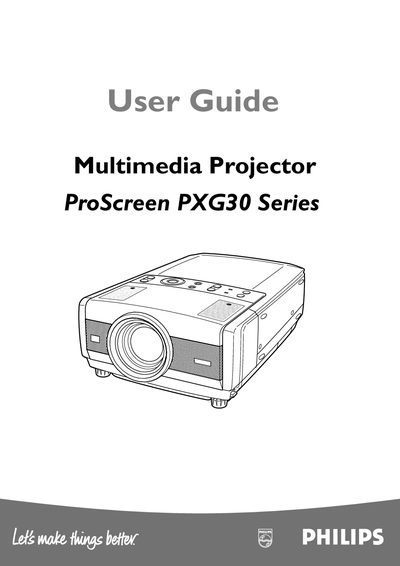
This guide covers essential safety precautions, proper installation, and routine maintenance for the Philips ProScreen PXG30 Series multimedia projector. It explains how to connect power, video, and audio sources, use the on‑screen menu, and operate the remote control.
Technical specifications, lamp replacement procedures, ventilation requirements, and troubleshooting tips are included to help users achieve reliable performance and long service life.
| Weight | 7.9 kg (17.4 lbs) |
|---|---|
| Dimensions | 306 mm × 166 mm × 436 mm (12.0" × 6.5" × 17.2") |
| Resolution | XGA (1024 × 768) |
| Lamp Power | UHP™ 250 W |
| Operating Temperature | −10 °C ~ +60 °C (14 °F ~ 140 °F) |
| Power Supply | AC 100‑120 V / 200‑240 V, 50/60 Hz |
| Number of Pixels | 2,359,296 (1024 × 768 × 3 panels) |
| Projection Distance | 1.2 m ~ 10.0 m (4.1’ ~ 32.8’) |
Unplug the projector from the wall outlet before cleaning or lamp replacement and use only a soft dry cloth; do not use liquid or aerosol cleaners.
Provide clear space on the top, sides and rear of the cabinet, never cover the ventilation slots, and keep the unit level within a 20° tilt range.
Only the supplied grounded power supply cord and shielded interface cables may be used; the USA version has a 3‑pin plug, the European version a 2‑pin plug.