
This document is the user manual for HR 4322/32, which mainly introduces the product's use methods, precautions and other information
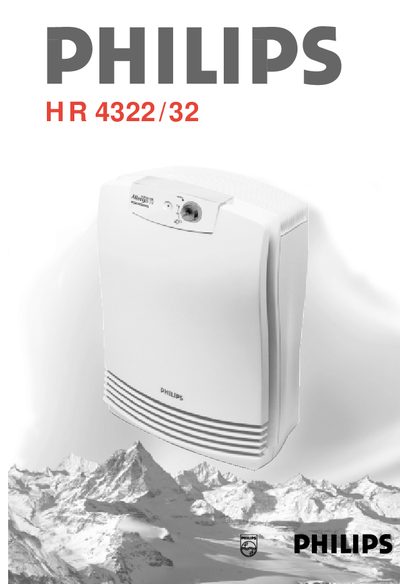
This manual provides safety instructions, placement guidelines, and operating steps for the Philips HR 4322/32 air purifier. It explains how to power the device, adjust speed settings, and avoid damage by keeping the appliance away from water, open flames, and humid environments.
The purifier uses a three‑stage filter system (prefilter, Rota filter, HEPA filter) to capture particles down to 2 µm. The guide details how to clean or replace each filter, how to interpret the HEPA replacement indicator, and what to do if the automatic cut‑out shuts the unit off due to overheating.
| Power consumption (highest setting) | 70 W (HR 4322) / 80 W (HR 4332) |
|---|---|
| Maximum room size | 30 m² (HR 4322) / 50 m² (HR 4332) |
| Maximum room size | 50 m² (HR 4332) |
| Speed settings | Off, Low (1), Normal (2), Turbo (high) |
| Filter system | Prefilter, Rota filter, HEPA filter |
| CADR (dust) | 126 m³/h |
| CADR (pollen) | 135 m³/h |
They should be cleaned at least once every two months, and more often if the appliance becomes noisy or is used in a smoking room.
Set the speed control to Off, unplug the unit, let it cool for about 15 minutes, check that the filters are not blocked, then plug it back in and restart.
Remove the HEPA filter and compare the colour of its base with the HEPA filter replacement indicator; replace it when the base matches the darkest shade of grey.