
This document is the basic manual for A5509T, which covers its functions such as making and answering calls, character input, phone book, mail, camera, EZweb, EZnaviWalk, limit mode, and smart mode.
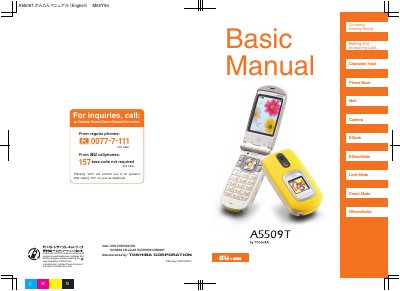
This basic user manual for the Toshiba A5509T covers everything you need to get started, from unpacking and initial setup to using core functions such as making calls, managing the phone book, taking photos, and navigating with EZnaviWalk. It also explains the phone’s special modes like Limit Mode, Smart Mode, and Manner Mode.
The guide includes important safety and etiquette information, such as the prohibition on using the phone while driving, how to activate Drive Mode, and tips for avoiding spam calls. Detailed instructions are provided for checking signal strength, battery level, and using voice memo and camera features.
| Model | A5509T |
|---|---|
| Manufacturer | Toshiba |
Look at the battery indicator on the screen; a low level may cause the phone to stop functioning properly.