
A5516T Basic Manual, introduces the basic use of the phone, including calls, character input, phone book, mail, camera, EZweb, EZ Navi, limit mode, smart mode and other
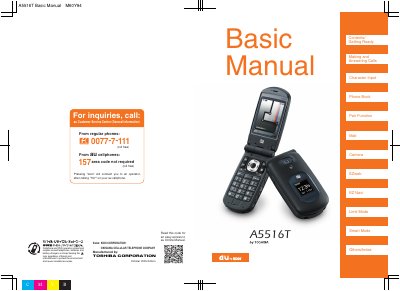
This manual provides step‑by‑step instructions for getting ready with the A5516T, making and answering calls, using the phone book, and operating the camera and EZ Navi functions. It also covers special modes like Limit Mode, Smart Mode, and Manner Mode to help you use the phone politely in public places.
Additional sections explain safety rules such as not using the phone while driving, how to activate Drive Mode, and how to use the Disaster Message Board service to share safety information during emergencies. The guide includes tips for handling spam calls, managing voice memos, and checking power, signal strength, and battery level.
| Model number | A5516T |
|---|
Hold down the side key (key 2) for at least one second on the standby screen to turn off incoming call ringtones and other tones.
It lets you register safety information during a large‑scale disaster via EZweb, which can then be accessed by you or your contacts online.