
This is a user manual for A5517T phone, which introduces the usage methods of call, text input, address book, email, camera, EZweb, etc.
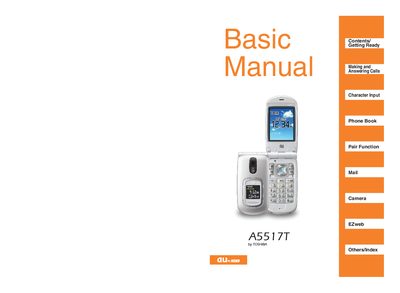
This manual introduces the au A5517T smartphone and guides users through getting ready, making and answering calls, character input, phone book management, pair functions, and camera operation. It also includes an index for quick reference.
Additional sections cover cell‑phone etiquette, Smart Mode basics, Manner Mode, Drive Mode, spam handling, one‑ring calls, and the Disaster Message Board service, along with key assignments and troubleshooting tips.
No, using a cell phone while driving is prohibited; you should turn it off or use Drive Mode.
Drive Mode plays a message indicating you are driving and cannot answer, prompting callers to leave a voice memo.
Register your safety information through EZweb’s Disaster Message Board service.