
This document provides instructions for Voice Mail Service operation and recording/shooting functions of the W21T mobile phone. It explains the step-by-step procedures starting from the standby screen, as well as how to cancel various functions. It also describes how to switch between photo and movie modes, and how to save photos and movies.
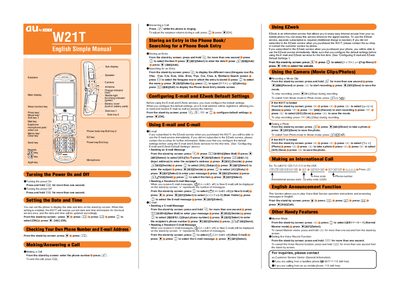
This manual provides step‑by‑step instructions for using the au W21T mobile phone. It covers basic functions such as turning the device on and off, setting the date and time, making and answering calls, and managing contacts.
Additional sections describe how to configure e‑mail and EZweb services, send and receive messages, use the camera for photos and video, make international calls, and access other handy features like voice recording and English announcements.
Press and hold the power key for more than one second to turn the phone on or off.
From the stand‑by screen, select the date and time option and confirm with OK to enable automatic updates.
From the stand‑by screen, enter the phone number and press the call key (+) to start the call.
If you subscribed to EZweb, press the new mail key, enter the recipient address, subject, and body, then press Send.