
A brief introduction to the features of the W41SA product
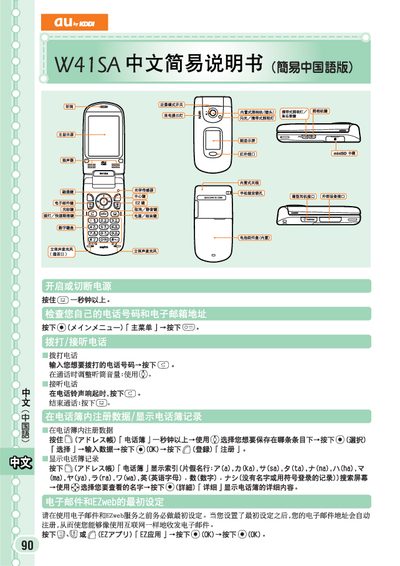
This manual provides step‑by‑step instructions for using the au by KDDI W41SA handset. It explains how to place and receive calls, register contacts, and adjust call volume.
Additional sections cover setting up and using EZweb email, sending and reading short messages, browsing the web, and toggling silent mode. The guide is written in simplified Chinese and is intended for first‑time users. This manual is written in Chinese.
Enter the phone number you want to dial and press the (2) key.
Select "新规作成" (Create New) and follow the prompts to enter the recipient, subject, and message before pressing the send button.
Press and hold the designated key (shown as "cc") for more than one second.
When a short message arrives, a notification appears on the standby screen; select the message to view its contents.