
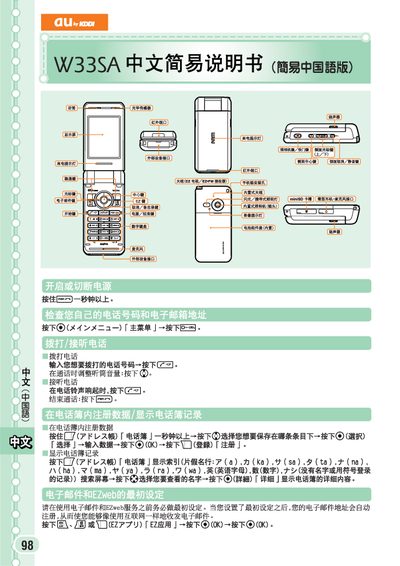
This guide explains how to operate the basic phone functions of the au by KDDI W33SA. It shows how to make a call, answer incoming calls, end a call, register contacts, and view the call log.\n\nThe manual also covers the EZweb email service and short‑message (SMS) functions, including creating, sending, and reading messages, as well as how to set and cancel mute mode and browse the web. This manual is written in Chinese.
Enter the phone number you want to dial and press the call key.
When the phone rings, press the answer button.
Press the end‑call button.
Press and hold the mute button for more than one second.