
W52SA(Simple Chinese Edition) is the latest entry-level music phone launched by Sony Ericsson. This phone is equipped with a 2.6-inch QVGA screen and uses Sony Ericsson's latest Walkman music player. It supports MP3, AAC, WMA and other audio formats, and also has FM radio and Bluetooth functions.
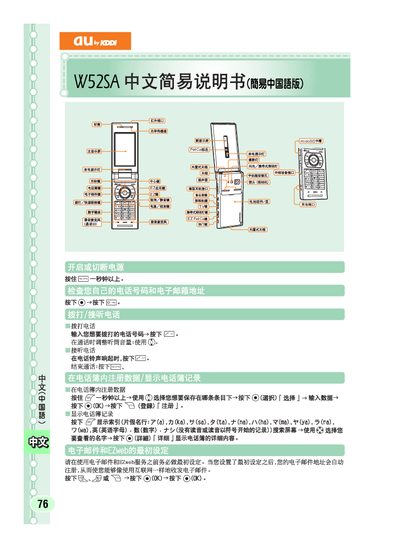
This manual provides step‑by‑step instructions for setting up the au by KDDI W52SA handset. It explains the initial configuration, how to register the EZweb service, and how to navigate the main menu.
The guide also details how to compose, send and receive short messages, and describes the notification behavior for incoming messages. Additional tips for using the phone’s microSD slot and other basic features are included. This manual is written in Chinese.
| microSD support | Supported |
|---|
You must complete the initial setup of the phone before registering the EZweb service; see the section titled “EZweb基可以赴誠通辻施的au手机享受互隊岡的一和信候服色”.