
This is a simplified Chinese version of the W61SA phone
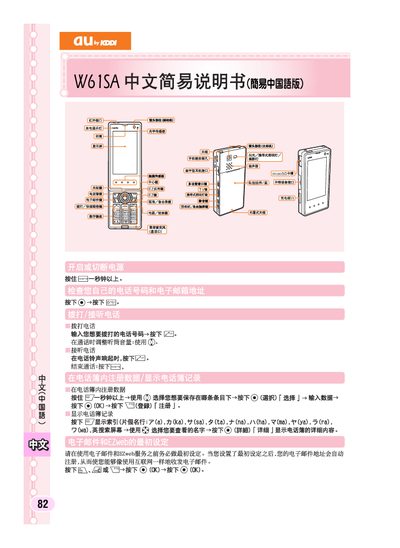
This manual explains how to perform the initial configuration of the au W61SA phone, including the first‑time EZweb service registration and basic settings. It also describes how to create, send and receive short messages, and how to manage contacts and address book entries.
Additional sections cover the mute mode operation, how to enable and cancel it, and other common functions such as viewing notifications on the standby screen. The guide provides step‑by‑step instructions with button presses and menu selections. This manual is written in Chinese.
Press and hold the mute button for more than one second to activate mute mode.
Press and hold the mute button for more than one second again to turn mute mode off.