
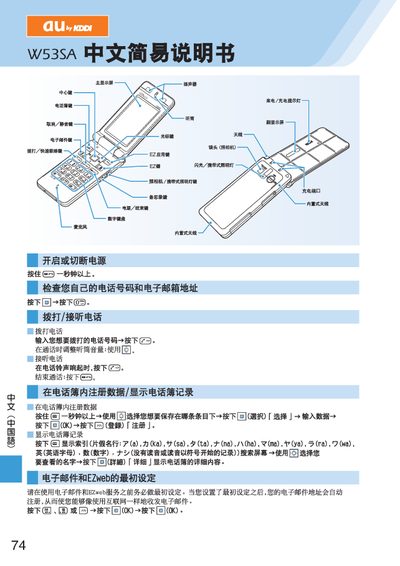
This guide explains the initial configuration of the W53SA, including the required first‑time EZweb registration before any service can be used. It walks the user through the steps needed to activate the phone and set up the basic environment.
The manual also describes how to send and receive short messages, how notifications appear on the standby screen, and provides details on additional phone functions such as silent mode and other built‑in features. This manual is written in Japanese.
When a short message arrives, a notification is shown on the standby screen.
Use the messaging function described under "使用四子師必和短消息" to compose and send short messages.