
This page is a simplified Chinese version of the W43SA product introduction
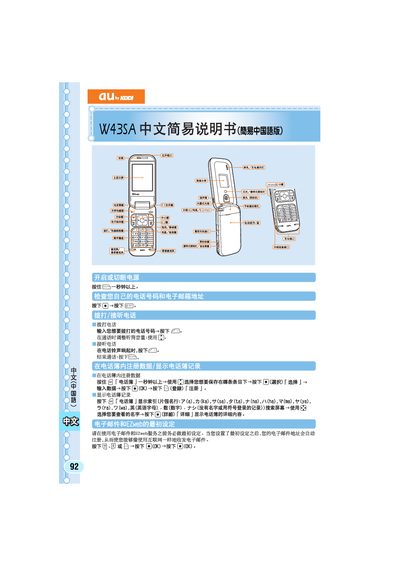
The manual explains how to perform the initial configuration of the W43SA device, including the first‑time setup of the EZweb service and basic phone functions. It guides users through creating new messages, managing contacts, and navigating the main folder.
Additional sections cover receiving short messages, muting and unmuting the phone, and using various menu options such as address book lookup and message composition. The document is intended for new users to quickly become familiar with the phone’s core features. This manual is written in Japanese.
Use the mute setting to silence the phone, and select the unmute option to restore sound.