
This is a manual for a mobile phone. It introduces the basic operation methods of the mobile phone, including turning on and off the power, storing contacts, setting date and time, setting e-mail and EZweb default settings, using e-mail and C-mail, using EZweb, using the camera to take pictures and record videos, making international calls, English voice prompt function and other convenient features.
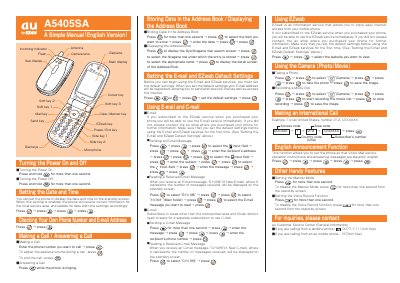
This manual provides step‑by‑step instructions for using the au A5405SA mobile phone. It covers basic operations such as turning the device on and off, setting the date and time, making and answering calls, and managing contacts.
Additional sections describe how to use email and EZweb services, capture photos and video, make international calls, and enable optional features like English voice prompts and voice recording. Contact information for au Customer Service is also included.
Press and hold the power key (8) for more than one second.
Press and hold the power/end key (&®) for more than one second.
Enter the phone number you want to call and press the call key (&).
Press the appropriate keys to open the e‑mail input field, then enter the recipient address, subject and message before sending.
Enter the access code, country code, area code and subscriber number, then press the call key.
Press the camera key, then press the shutter button to capture the photo and save it.