
This document is the quick start guide for Philips MCD 728. It mainly introduces how to connect, set up and enjoy the product
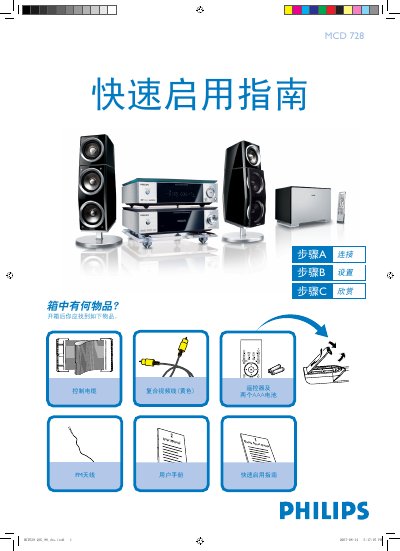
This guide introduces the Philips MCD728 DVD player. It lists the items included in the box—remote control, two AAA batteries, FM antenna cable, and a yellow composite video cable—and shows how to connect the player to a TV, speakers, and power source.
The document then explains basic setup steps such as setting the clock, configuring DVD menu options, picture and audio settings, and how to play a disc or program radio stations. For detailed features, the user manual should be consulted. This manual is written in Chinese.
The box contains a remote control, two AAA batteries, an FM antenna cable, and a yellow composite video cable.
In standby mode, hold the CLOCK button on the remote; the hour digits flash, then adjust using the volume knob or remote, repeat for minutes, and press CLOCK again to confirm.