
MCD288 DVD Micro Theatre 2 is a DVD player from LG.
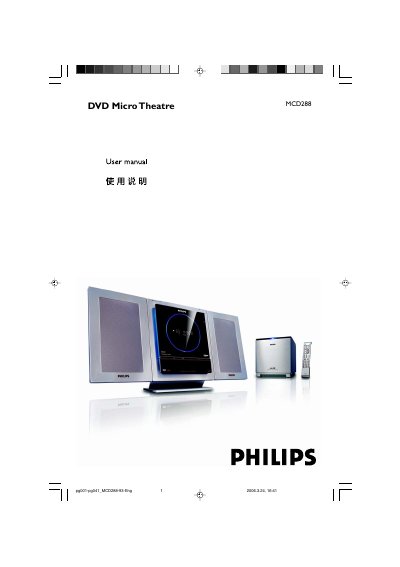
This manual covers everything needed to install and use the Philips MCD288 DVD Micro Theatre, a compact 2.1‑channel digital audio DVD player. It includes step‑by‑step wiring, speaker connection, remote‑control setup, and system‑menu configuration.
The guide also details supported disc formats, audio/video settings, parental‑control features, and troubleshooting tips, along with safety and environmental information for proper maintenance.
| Audio output | 2.1‑channel digital amplifier |
|---|---|
| Dolby Digital decoder | Built‑in Dolby Digital decoder with DSC and loudness control |
| DivX support | DivX 3.11, 4.x and 5.x |
| MP3‑CD sampling rates | 32 kHz, 44.1 kHz, 48 kHz |
| MP3‑CD bit rates | 32‑256 kbps |
Connect the speaker cables to the speaker terminals as shown in the installation steps.
It can play DVD, VCD, SVCD, DVD+RW, CD, CD‑R(W) with JPEG images, MP3/WMA discs and DivX discs.
Use the system menu to enable age control and select the desired rating level.