
This document is a Philips MCD 988 Quick Start Guide, which introduces the product's connection, setting, enjoyment and other content
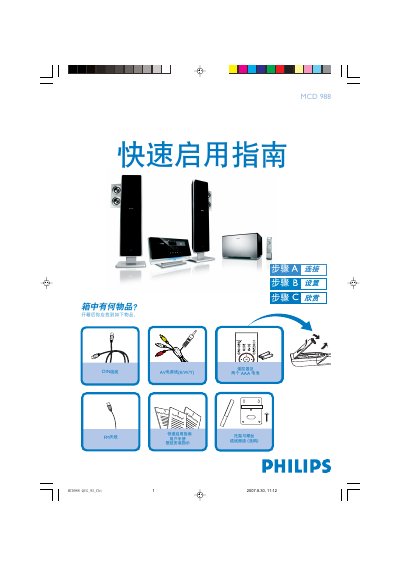
This guide provides step‑by‑step instructions for unpacking the Philips MCD 988, connecting the power cord, AV cable, DIN cable, speaker wires and FM antenna, and mounting the unit on a wall. It also lists the items included in the box, such as the remote control with two AAA batteries.
The manual explains how to set the clock, configure the DVD menu, enable or disable progressive‑scan mode, play discs, and program radio stations. It references the full user manual for detailed settings and additional features. This manual is written in Chinese.
| Remote control batteries | Two AAA |
|---|---|
| Power supply | AC mains |
In standby mode, hold the CLOCK/RDS button, then use the VOL+/- keys to set the hour and press CLOCK/RDS to confirm; repeat with VOL+/- to set the minutes and confirm again.
Press and hold the PROGRAM button for more than two seconds, then follow the band order to program all receivable stations; use the 1/2 keys to select the desired preset stations.