
This quick start guide provides instructions on how to connect, set up and play Philips MCD706 portable DVD player.
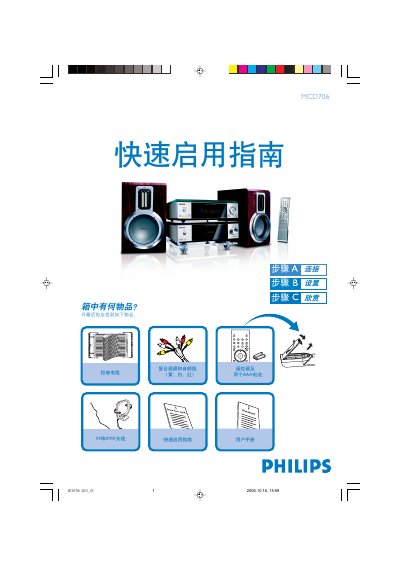
This guide walks you through the contents of the Philips MCD706 remote package, showing the remote, two AAA batteries, FM and MW antennas, a composite video/audio cable, a control cable and the user manual. It explains how to install the batteries and prepare the remote for use.
The manual then details how to connect the remote to a TV, set the clock, operate DVD playback, and program radio stations. Step‑by‑step instructions cover selecting the source, opening the disc tray, adjusting the clock with the CLOCK button, and programming stations with the PROG key. This manual is written in Chinese.
| Power source | Two AAA batteries |
|---|---|
| Included cable | Composite video and audio cable (yellow, white, red) |
| Antenna types | FM and MW antennas |
Press and hold the CLOCK button, use the VOLUME‑/+ knob or VOLUME+/- keys to adjust hours, press CLOCK again to set minutes, adjust, then press CLOCK once more to confirm.
Press the SOURCE or DISC key, then press the OPEN/CLOSE key to open the tray, insert the disc label‑side up, press the same key to close, and playback starts automatically; press PRESET‑/9 to stop.
Hold the PROG key for more than two seconds, then use the PRESET +/‑ (or CH +/‑) keys to select and store each station.
The package contains the remote control, two AAA batteries, FM and MW antennas, a composite video/audio cable, a control cable and the user manual.