
This Quick Start Guide explains how to connect components, set up the system and play a disc
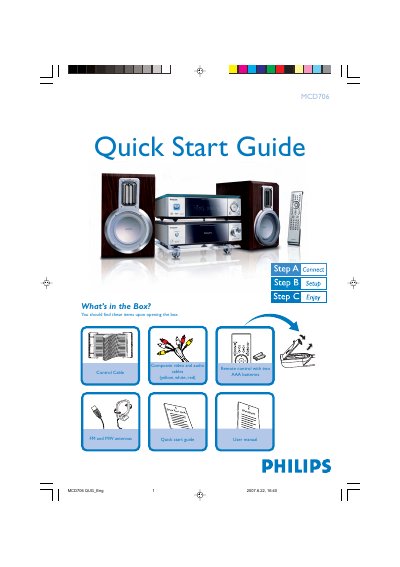
The guide begins with a list of items included in the box, such as the remote control, composite video/audio cables, antennas, and the user manual. It then provides step‑by‑step instructions for connecting the player to a TV, including video/audio cable connections, speaker wiring, antenna placement, and power hookup.
Further sections explain how to set the clock, adjust DVD menu options, play discs, and program radio stations. Additional tips cover remote‑control functions, USB playback, and troubleshooting progressive‑scan settings.
Connect the composite video and audio cables to the TV, attach the speaker cables, control cable, and power cords, then set the TV to the correct Video In channel.
Press the PROGRAM button on the remote for more than two seconds to automatically program all available stations in order of waveband.