
This document is the quick start guide of Philips MCL701/MCL707 DVD/RECEIVER/POWER AMPLIFIER
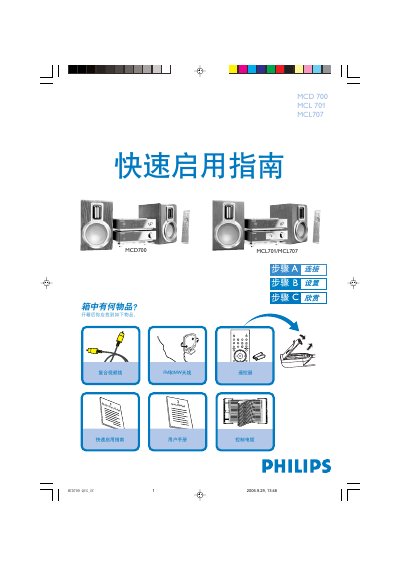
This guide walks you through the initial setup of the Philips MCD700, MCL701 and MCL707 DVD player/amplifier system. It shows what items are included, how to connect the power cord, speakers, FM and MW antennas, the control cable, and the video cable to a TV.
After the hardware is connected, the guide explains how to power on the unit, select the DISC source, configure TV input, choose system settings such as TV format, language, subtitles and audio, and finally load a disc and start playback. It also provides a tip for disabling progressive‑scan mode if the TV does not support it. This manual is written in Chinese.
| Speaker Impedance | 8 Ω |
|---|---|
| Supported Disc Types | DVD, Video CD, Audio CD, MP3‑CD, WMV, DVD+RW, Super VCD |
| Power Input | AC power cord |
Use two speaker wires, connect the red wire to the + terminal and the silver wire to the – terminal; the right speaker goes to the “R” terminal and the left speaker to the “L” terminal.
Turn on the DVD player, select the DISC source, turn on the TV, and set the TV to the correct video input channel until the Philips DVD background appears on the screen.
Insert a DVD with the printed label side up, then press the OPEN/CLOSE button on the player or the 0 key on the remote.
Press the SYSTEM key to exit the system menu, then press DISC and the “1” key to turn off progressive‑scan.