
This is a quick start guide that shows you how to use the MC145 radio
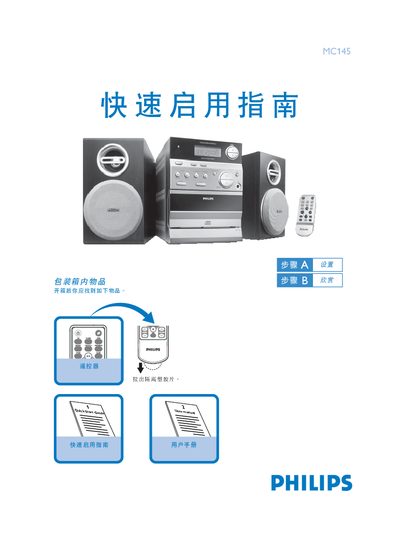
This guide shows what is included in the box and how to connect the Philips MC145 CD radio to AC power. It also explains how to open and close the CD door and start playback.
Instructions are provided for setting the clock in standby or clock‑display mode, selecting radio bands, and using the preset function. The guide includes key‑press sequences for adjusting hours, minutes, and confirming the time. This manual is written in Chinese.
Lift the top edge of the CD door where the label "OPEN/CLOSE" is printed.
Press the DISPLAYICLOCK key, set the hour, press DISPLAYICLOCK again, set the minute, then press DISPLAYICLOCK to confirm.