
This quick start guide introduces how to set up and use the Philips MCD755 DVD player. It includes steps on connecting the speakers, connecting the TV, setting the clock, and playing discs.
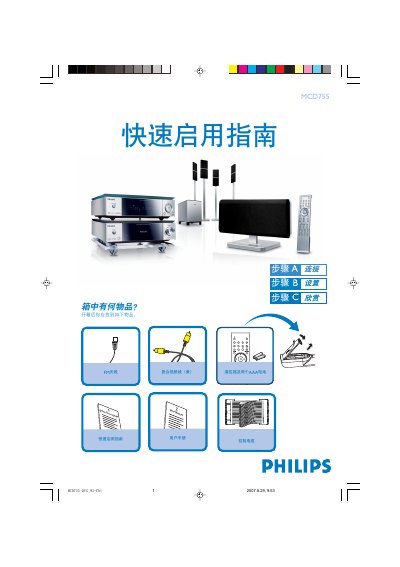
This guide walks you through the items included in the box and shows how to connect the speakers, FM antenna, control cable and composite video cable to a TV. It also explains how to power the unit and the remote, which uses two AAA batteries.
Further sections describe setting the clock, using the disc tray, programming radio stations, and adjusting DVD menu options. Detailed steps for speaker placement, channel delay, and remote‑control functions are provided to help you start enjoying audio and video playback quickly. This manual is written in Chinese.
| Remote battery type | Two AAA batteries |
|---|---|
| Video connection cable | Composite video cable (yellow) |
| Power source | AC mains (connect to household AC outlet) |
In standby mode, hold the CLOCK/RDS button; when the hour digits flash, turn the volume knob or use the remote volume buttons to set the hour, then press CLOCK/RDS again to set minutes, and press CLOCK/RDS once more to confirm.
Press and hold the PROG key for more than two seconds, then use the PRESET +/- (or CH +/-) buttons to store each desired station.