
Philips MCD196 Micro Theatre Quick Start Guide, introduces how to connect speakers, TV, antenna etc., and how to play CD, set clock etc.
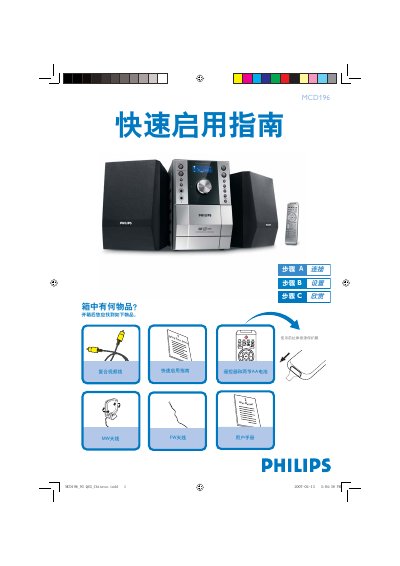
The guide begins with a list of items that should be found in the box, including the Quick Start Guide, user manual, remote control with two AA batteries, FW and MW antennas, and a composite video cable. It then explains how to connect the speaker cables, attach the composite video cable to a TV, and link the system to power and audio inputs.
Subsequent sections cover basic operation: setting the clock using the DISPLAY/CLOCK SET button, playing a disc by opening the disc compartment and pressing PLAY, and programming radio stations by holding the PROG/ANGLE button and selecting presets. For detailed options, the guide refers to the full user manual. This manual is written in Chinese.
| Audio output connectors | LINE OUT (L/R), SPEAKER, SUB WOOFER, DIGITAL OUT |
|---|---|
| Antenna inputs | FM AERIAL, MW AERIAL |