
This document is about the quick start guide for MCD 705. The guide provides information on the items that should be found after opening the box, as well as the steps to connect and set up the speakers. It also includes steps for setting the clock, DVD menu options, playing discs, and radio programming and tuning.
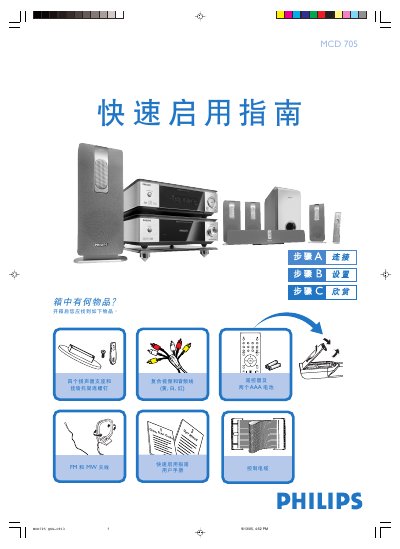
The guide begins with a list of items included in the box, such as speakers, wall‑mount brackets, a remote control with batteries, FM/MW antennas, and the necessary audio/video cables. It then explains how to connect the DVD player to a TV, speakers, antennas, and power, and provides tips for wall‑mounting the speakers.
Subsequent sections cover setting the clock, using the DVD menu, playing discs, and programming radio stations. Instructions for enabling or disabling the progressive‑scan mode and for using the remote control functions are also included. This manual is written in Chinese.
| Power source | AC mains |
|---|
In standby mode, hold the CLOCK button on the remote until the hour digits flash, then use the VOLUME +/- knob or remote buttons to set the hour, press CLOCK again for minutes, set them similarly, and press CLOCK once more to confirm.