
This document is a guide on how to install external Slimline ReWriters using Nero 7 UK D F I NL E PT TR PL SV. It provides instructions on how to connect and disconnect the external USB ReWriter, how to create video discs, audio or data discs, and how to copy discs. The document also offers further information and assistance.
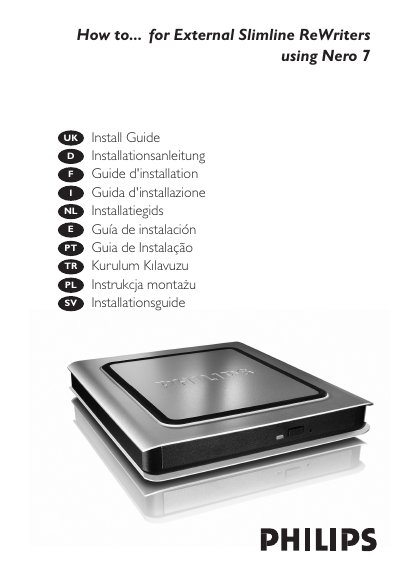
This guide explains how to set up the Philips External Slimline ReWriter, including unpacking, connecting power and USB cables, and installing the required drivers from the Nero disc. It also covers updating the Nero software and troubleshooting common issues.
The manual provides step‑by‑step instructions for creating video, audio, or data discs, copying discs, and safely disconnecting the device. Safety warnings, FCC compliance information, and laser specifications are included at the end of the document.
| Laser wavelength | 775‑795 nm (CD) – 660 nm (DVD) |
|---|---|
| Laser output power (read) | 1.4 mW – 2.5 mW |
| Laser output power (write) | 90 mW (CD) – 27 mW (DVD) |
| Beam divergence | 60° |
Click the “Safely Remove Hardware” icon and then select “Safely remove USB Mass Storage Device” before unplugging the ReWriter.
Use a HiSpeed USB (USB 2.0) port; a LowSpeed USB connection limits write speeds and prevents DVD writing.