
This document introduces a product from Philips, with the model number 235PQ2. The document provides detailed information about the features and functions of the product, including SmartImage, SmartContrast, SmartSaturate, SmartSharpness, Philips SmartControl Premium, and more. Additionally, it introduces the PowerSensor TM feature. Through this document, users can learn about the various characteristics and usage methods of the product.
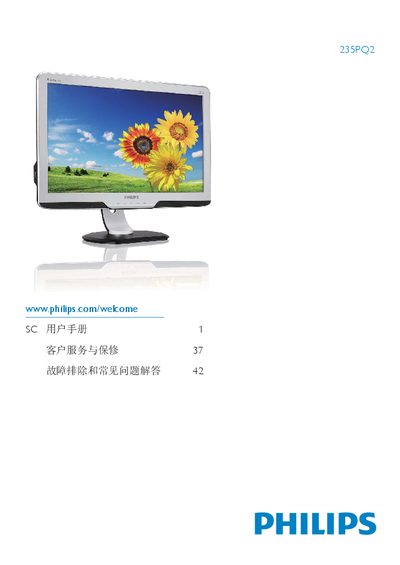
This user guide covers everything you need to safely set up and operate the Philips 235PQ2 flat‑panel monitor. It includes safety precautions, installation instructions, connection details, and how to use the SmartImage, SmartContrast, and other on‑screen features.
The manual also explains power‑saving functions, environmental disposal, warranty conditions, and a troubleshooting FAQ that addresses common issues such as image burn‑in, color adjustments, and wall‑mount installation. This manual is written in Chinese.
| Native Resolution | 1920 × 1080 @ 60 Hz |
|---|---|
| Operating Temperature | 0 °C to 40 °C |
| Operating Humidity | 20 % to 80 % RH |
| Color Temperature Settings | 5000 K, 6500 K, 7500 K, 8200 K, 9300 K, 11500 K |
Image retention occurs when static images are displayed for a long time, leaving a faint “burn‑in” that fades after power is removed; severe cases are not covered by warranty.