
This file is the electronic user manual for Philips LCD monitors, which includes safety precautions, troubleshooting, and other related information.
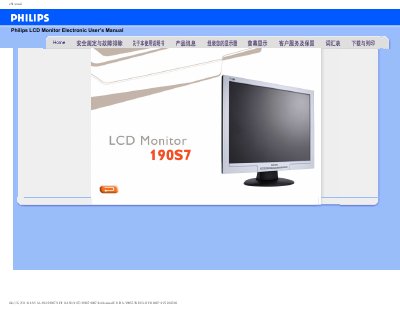
This electronic user manual for the Philips 190S7 LCD Monitor provides safety and troubleshooting information, frequently asked questions (FAQs), and technical specifications. It includes assembly instructions, connection guidance, maintenance tips, and answers to common questions about display settings, compatibility, and warranty. The document is organized into sections for safety, FAQs, screen adjustment, and general information.
只需按 C 按钮,然后选择 Reset (重置) 即可全部恢复至原始出厂设置。
Confirm that the AC power cord is properly connected between the monitor and the wall socket, then press a key on the keyboard or mouse to wake the PC.
The recommended video mode is 1280x1024 at 50 Hz.
Yes, the monitor can be mounted on a wall using the four standard VESA mounting holes on the back panel.