
This is the user manual of 170B7 monitor, which introduces the use method, function features and maintenance techniques of the monitor
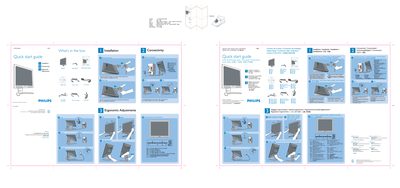
This Quick Start Guide provides step‑by‑step instructions for unpacking and setting up the Philips 170B7 LCD monitor. It lists the items included in the box (power cord, VGA cable, DVI cable, USB cable and optional PC audio cable) and shows how to place the monitor face down, attach the base, and adjust height and tilt.
The guide also explains the recommended display settings (1280 × 1024 @ 60 Hz via DVI) and offers links to online help for further assistance.
| Recommended resolution | 1280 × 1024 @ 60 Hz |
|---|
Use the height adjustment control to raise or lower the monitor.
Connect the monitor via DVI and set the resolution to 1280 × 1024 at 60 Hz.