
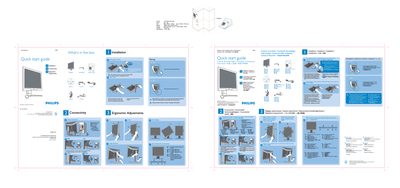
PHILIPS LCD Monitor I70P7 user guide ( English )


PHILIPS LCD Monitor I70P7 user guide ( English ) - cover page
Brand
Philips
Category
Monitor
Document type
Quick Start Guide
Language
English
Pages
1
File format
PDF
File size
20.1 MB
Published
23 March, 2012
Updated
18 June, 2012
Model
170P7
MD5 checksum
B5ECCA3A44A692DD6FF021D9C18A37B2

About this manual

The guide begins with a list of items included in the box – the monitor, base stand, power cord, USB cable, DVI cable and VGA cable – and provides step‑by‑step instructions for attaching the base stand and positioning the monitor safely. Safety warnings stress using two hands when lifting the monitor and securing the stand before removing any pins.

It then explains how to connect the monitor, recommending the DVI input for best performance and setting the display resolution to 1280 × 1024 @ 60 Hz. Additional sections cover ergonomic adjustments such as height, swivel, portrait mode, and a quick reference for the control buttons.

What's inside

  • What’s in the box
  • Base stand attachment
  • Safety warnings
  • Connectivity
  • Display settings
  • Ergonomic adjustments
  • Height adjustment
  • Swivel / portrait display
  • Quick reference for control buttons

Frequently asked questions

How do I adjust the monitor height?

The height can be adjusted using the ergonomic height adjustment control on the monitor.

Download PDF (20.1 MB)

More Philips Manuals


View all Philips manuals →