
This document introduces a product of a certain brand and model. The product has the following characteristics: 1. The product has water and dust resistance; 2. The product has a long battery life; 3. The product has a fast charging feature.
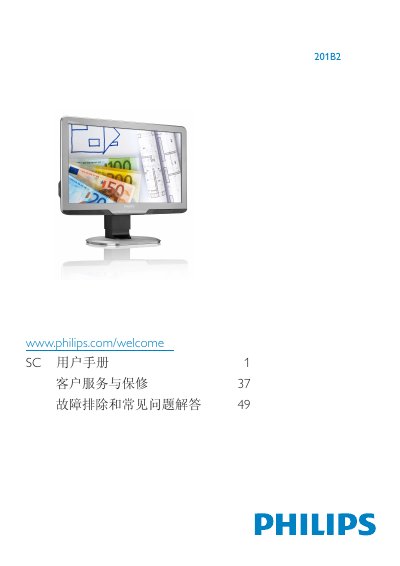
This user guide covers important safety measures, proper handling, and disposal of the Philips 201B2 monitor. It explains how to install the stand, connect power and video cables, and configure the on‑screen display (OSD) menu for brightness, contrast, color temperature, and input selection.
The manual also includes technical specifications, recommended operating temperature and humidity ranges, and a troubleshooting section that addresses image retention, ghosting, and unclear text. Warranty and customer‑service information are provided at the end of the document.