
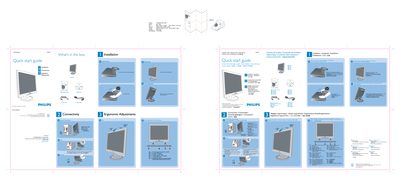
This quick start guide provides the essential steps to get the Philips 170S7 LCD monitor up and running. It lists the items included in the box—monitor, power cord, VGA cable, and quick‑start guide—and shows how to unfold and fold the base, adjust tilt, and manage cables.
The guide also explains the recommended display settings for optimal performance (1280 × 1024 @ 60 Hz) and gives a brief reference for the control buttons. Multilingual instructions are provided, but the core setup instructions are the same across languages.
| Recommended display resolution | 1280 × 1024 @ 60 Hz |
|---|---|
| Physical dimensions (approx.) | 594 mm × 210 mm |
The package includes a power cord and a VGA cable.
Set the monitor to a resolution of 1280 × 1024 at 60 Hz via the VGA input.