
This is a 22-inch monitor that provides SmartImage, SmartContrast, Philips SmartControl Premium, SmartDesktop, etc.
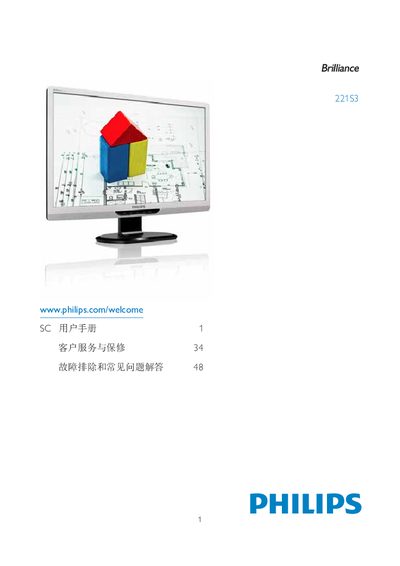
This manual covers safety precautions, proper handling, and maintenance for the Philips 22193 display. It includes instructions for installing the monitor, connecting it to a PC, and using the on‑screen display (OSD) controls.
The guide also details technical specifications, environmental limits, and warranty conditions, and provides a troubleshooting FAQ that answers common questions about compatibility, plug‑and‑play support, and image retention issues. This manual is written in Chinese.
| Operating Temperature | 0‑40 °C (32‑95 °F) |
|---|---|
| Operating Humidity | 20‑80 % RH |
Yes. Philips monitors are fully compatible with standard PC, Mac and workstation systems.