
This document is an electronic user manual for Philips LCD monitors, including safety precautions, troubleshooting, and maintenance.
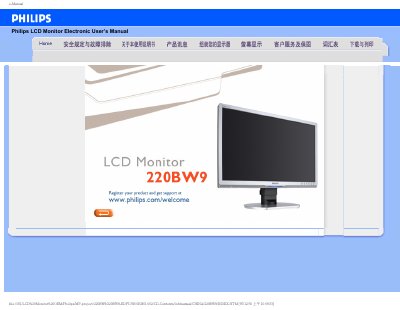
This manual covers safety precautions, proper handling, and maintenance for the Philips 220BW9 LCD monitor. It explains how to avoid damage, clean the screen safely, and protect the device from environmental hazards.
The guide also includes detailed installation instructions, recommended display settings (1680×1050 @ 60 Hz), VESA‑mounting options, and a comprehensive FAQ section that addresses common issues such as video‑mode errors, driver installation, and USB functionality. This manual is written in Chinese.
| Screen size | 22 inches |
|---|---|
| Recommended resolution | 1680 × 1050 @ 60 Hz |
| Operating temperature | 0 °C – 40 °C |
| Operating humidity | 20 % – 80 % RH |
| VESA mounting holes | 4 standard VESA holes on the back panel |
Press the menu button, select the reset option, and confirm to restore all default settings.
Use a soft, slightly damp cloth for regular cleaning; for deep cleaning, use a mild alcohol‑based solution, avoiding solvents such as acetone or gasoline.
Yes, the Philips 220BW9 monitor has four standard VESA mounting holes on the back panel for attachment to VESA‑compatible brackets or arms.