
This document is a user manual that introduces the features and usage methods of the 227E3Q SC display.
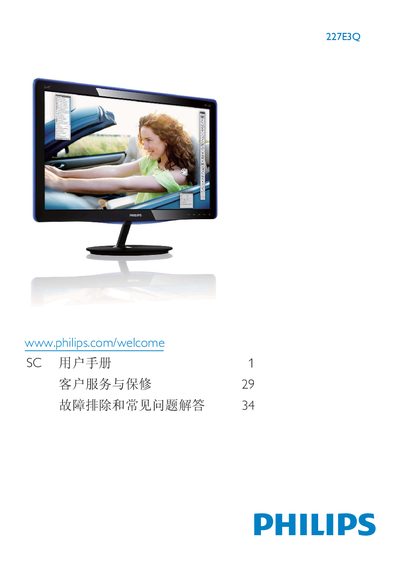
This user manual covers important safety measures, installation steps, and operation of the Philips 227E3Q flat‑panel monitor. It includes detailed instructions for connecting the monitor to a PC, adjusting OSD settings, and using SmartImage Lite modes.
The guide also explains warranty conditions, recycling information, and how to handle image retention issues. Safety warnings advise keeping the monitor away from direct sunlight, heat sources, and moisture, and recommend using only Philips‑approved power cables. This manual is written in Chinese.
| Operating Temperature | 0‑40 °C (32‑95 °F) |
|---|---|
| Operating Humidity | 20‑80 % RH |
| HDMI Input | Available |
| HDMI Audio Output | Available |
| Kensington Lock | Included |
Enable the moving screen‑saver to prevent image retention.
Connect the cable to the monitor’s rear port, turn off the PC, plug in the power cords, then power on both devices.