
This document describes the features and characteristics of the Philips 220V3 series monitor, including SmartContrast and SmartControl Lite functions.
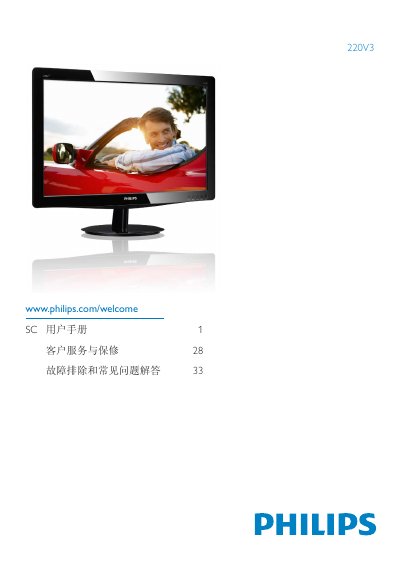
This manual offers important safety information and warranty conditions for the Philips 220Y3 flat‑panel monitor. It explains how to handle the device safely, avoid electrical or mechanical hazards, and maintain the monitor for long service life.
The guide walks you through unpacking, installing the stand, connecting power and video cables, and using the on‑screen display (OSD) to adjust brightness, contrast, color temperature, and other settings. It also includes a troubleshooting and FAQ section covering common issues such as image burn‑in, color adjustments, and compatibility with PCs, Macs, and workstations. This manual is written in Chinese.
| Native Resolution | 1680 x 1050 @ 60 Hz |
|---|
Yes, Philips monitors are fully compatible with standard PCs, Macs, and workstations; a cable adapter may be needed for Mac connections.