
This is a Philips 227E3Q SC monitor that has Smartimage Lite, SmartContrast and Philips SmartControl Lite.
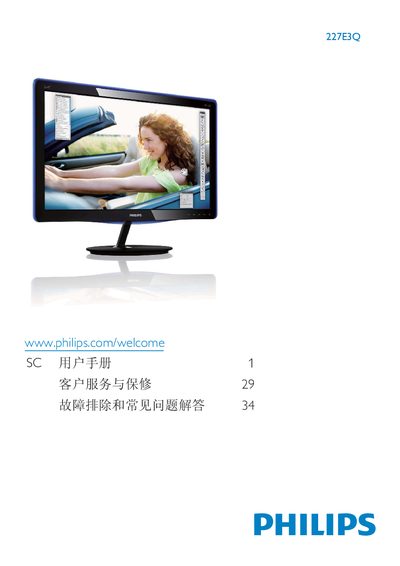
This user manual covers important safety measures, proper handling, and maintenance for the Philips 227E3Q LCD monitor. It explains how to install the monitor, connect video sources, and use on‑screen display (OSD) features such as SmartImage Lite modes.
The guide also includes environmental specifications, disposal instructions, and troubleshooting tips, including how to prevent image retention and what to do if the unit becomes wet. Warranty conditions and customer service contacts are provided at the end of the document. This manual is written in Chinese.
| Resolution | 1920 x 1080 @60 Hz |
|---|---|
| Operating Temperature | 0‑40 °C (32‑95 °F) |
| Operating Humidity | 20‑80 % RH |
| Video Inputs | VGA, DVI‑D, HDMI (audio output) |
| Power Input | AC mains |
Enable the screen‑saver and periodic screen‑refresh function; avoid displaying static images for long periods.
The product must be used for its intended purpose, follow the operating instructions, and be returned with the original receipt showing purchase date, seller, model and serial number.