
This manual introduces the features and characteristics of Philips 236V3L monitor, including installation, usage, adjustment, etc.
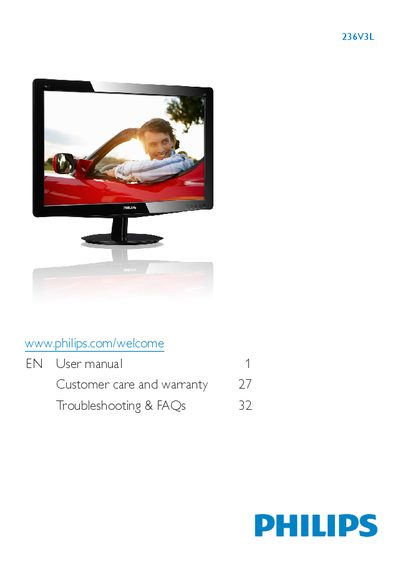
This manual explains how to safely install, set up, and operate the Philips 236V3L monitor. It covers unpacking, connecting power and video cables, using the on‑screen display (OSD) menu, and adjusting picture settings such as SmartContrast and color temperature.
Additional sections describe technical specifications, power‑management features, regulatory information, warranty and customer‑care details, as well as troubleshooting tips and FAQs for common issues like screen burn‑in, cleaning, and wet exposure.
| Native resolution | 1920 x 1080 @ 60 Hz |
|---|---|
| Operating temperature | 0‑40 °C (32‑95 °F) |
| Operating humidity | 20‑80 % RH |
Unplug the monitor and clean the screen with a slightly damp cloth; do not use alcohol, ammonia‑based liquids or other organic solvents.
Turn the power off immediately, disconnect the power cord, wipe the monitor with a dry cloth, and contact a service center if water entered the unit.
Activate a moving screen saver and a periodic screen‑refresh application when the monitor displays static content for long periods.