
Philips 247E3L Monitor User Manual

This is a technical manual for a certain brand and model of product.
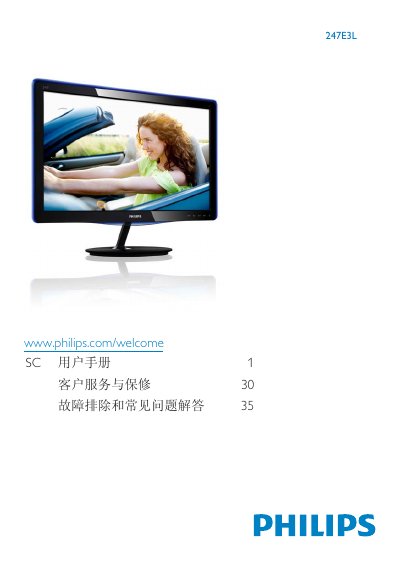

Philips 247E3L Monitor User Manual - cover page
Brand
Philips
Category
Monitor
Document type
User Manual
Language
Chinese
Pages
42
File format
PDF
File size
2 MB
Published
23 March, 2012
Updated
01 October, 2023
Model
247E3L
MD5 checksum
B35C1A32BEA92E9B797B1B122DBDBE39

About this manual

This user manual covers important safety measures, proper handling, and maintenance for the Philips 247E3L LCD monitor. It explains how to install the base, connect power and video cables, and use the on‑screen display (OSD) functions.

The guide also includes recycling information, warranty conditions, and a troubleshooting section that addresses common issues such as image burn‑in, ghosting, and display clarity problems. This manual is written in Chinese.

What's inside

  • Safety Measures and Maintenance
  • Product and Packaging Disposal
  • Installation of Base
  • Connecting to PC
  • Operating the Monitor
  • Technical Specifications
  • Warranty and Service
  • Recycling Information
  • Troubleshooting and FAQ

Specifications

Native Resolution1920 x 1080 @ 60 Hz
Operating Temperature0‑40 °C (32‑95 °F)
Operating Humidity20‑80 % RH

Frequently asked questions

Why does the monitor display blurry or jagged characters?

The LCD works best at its native resolution of 1920 × 1080 @ 60 Hz.

Download PDF (2 MB)

More Philips Manuals


View all Philips manuals →