
This is a user manual that introduces the use, maintenance and common problem solving methods of Philips SC206V3L.
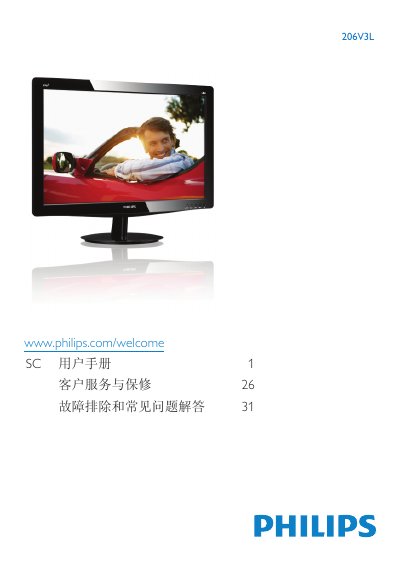
This manual provides instructions for safely using and installing the Philips 206V3L monitor. It includes safety precautions, setup steps, operating controls, and troubleshooting tips. Technical specifications such as resolution, color temperature, and supported operating systems are also detailed. The guide addresses common issues like screen ghosting and provides solutions. This manual is written in Chinese.
| Resolution | 1600 x 900 @60Hz |
|---|---|
| Color Temperature | 6500K, 9300K |
| Supported Operating Systems | Windows 7/Vista/XP/NT, macOS, Linux |
| OSD Languages | English, Español, Français, Deutsch, Italiano, Português, Русский, 简体中文, Türkçe |
Use a dry, clean cloth for normal cleaning. Do not use any solvents or alcohol-based liquids.
Yes, use the OSD controls to adjust color settings including color temperature, sRGB, and user-defined options.
Yes, it is compatible with Mac. Use a compatible adapter if connecting to Mac.
Screen ghosting or image retention is a common phenomenon in LCD panels. It usually disappears after turning off the monitor and waiting for a period of time.