
This document introduces the features and characteristics of Philips 248C3L monitor, including appearance, function, performance, etc.
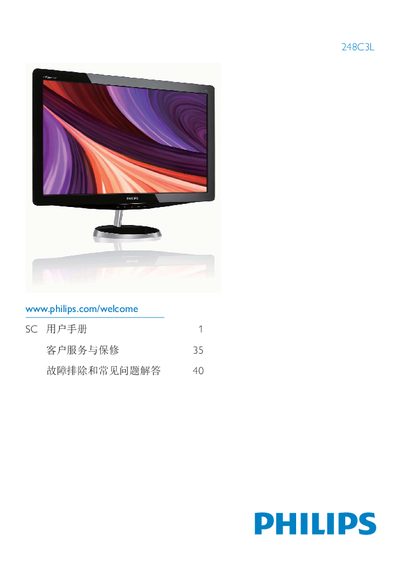
This manual covers important safety measures, proper installation, and operation of the Philips 248C3L flat‑panel monitor. It explains how to connect power and video cables, adjust the on‑screen display (OSD) settings, and use SmartImage, SmartColor and other picture‑enhancement features.
Additional sections describe environmental disposal, warranty conditions, and a detailed FAQ that helps resolve common issues such as image burn‑in, color adjustments, and compatibility with PCs, Macs and workstations. This manual is written in Chinese.
| Operating Temperature | 0‑40 °C (32‑95 °F) |
|---|---|
| Operating Humidity | 20‑80 % RH |
| Required AC/DC Adapter Model | APD-DA-36Q12-AAAA / Darfpn-BC36-1201-06 |
| Video Inputs | HDMI, VGA, DVD |
| Audio Output | HDMI audio output |
Yes, you can adjust the color settings through the OSD controls.
Yes, Philips monitors are fully compatible with standard PCs, Macs and workstations.