
This document describes the features and characteristics of the Philips 166V3L LCD monitor, including SmartContrast and Philips SmartControl Lite.
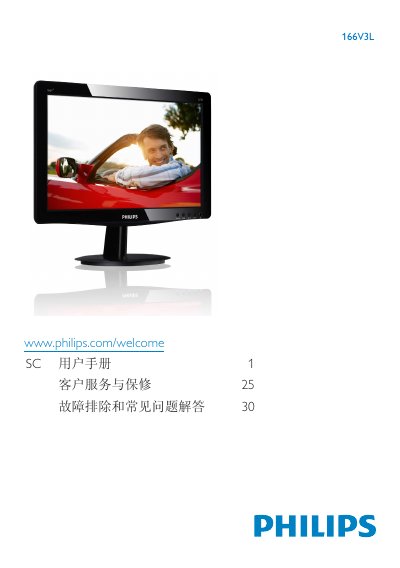
This user manual covers important safety measures, proper handling, and disposal of the Philips 166V3L LCD monitor. It includes instructions for installing the monitor on its base, connecting power and video cables, and using the on‑screen display (OSD) menu to adjust picture, color, and other settings.
The guide also contains a troubleshooting section with common questions and answers about image retention, cleaning, and compatibility with PCs, Macs, and workstations, as well as recycling and warranty information. This manual is written in Chinese.
| Resolution | 1366 x 768 |
|---|---|
| Operating Temperature | 0‑40 °C |
| Operating Humidity | 20‑80 % RH |
Use a clean soft cloth; for detailed cleaning you may use isopropyl alcohol, but avoid other solvents.
Long periods of static images can cause image retention, which usually disappears after the power is off for a while.
Yes, all Philips LCD monitors are fully compatible with standard PCs, Macs, and workstations; a cable adapter may be needed for Mac.
Yes, the monitor supports plug‑and‑play on Windows 7/XP, macOS, and Linux.