
Philips 209CL2 user manual, includes product usage instructions, safety measures, maintenance, monitor settings, image optimization, technical specifications, power management, regulations, customer service and warranty, troubleshooting and FAQs
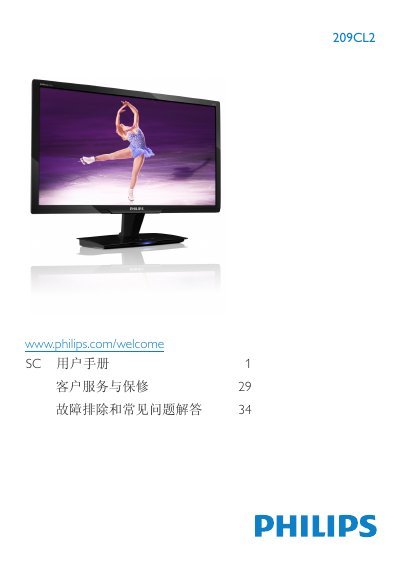
This manual explains how to install and operate the Philips 209CL2 20‑inch LCD monitor. It covers safety precautions, proper handling, connection of power and video cables, and how to use the on‑screen display (OSD) for adjusting picture modes such as SmartImage, SmartContrast and SmartResponse.
The document also lists the technical specifications, power consumption, environmental disposal guidelines, warranty information and a detailed troubleshooting/FAQ section that helps resolve common issues like image retention, resolution settings and cleaning the screen. This manual is written in Chinese.
| Panel type | TFT‑LCD |
|---|---|
| Screen size | 20 inches |
| Aspect ratio | 16:9 |
| Brightness | 250 cd/m² |
| Typical contrast ratio | 1000:1 |
| Response time (typical) | 5 ms |
| Best resolution | 1600 × 900 @ 60 Hz |
| Power consumption (normal operation) | 17.97 W (typical) |
| Signal inputs | DVI (digital) and VGA |
The monitor works best at its native resolution of 1600 × 900 @ 60 Hz; using this setting provides optimal image quality.
Wipe the screen with a clean, slightly damp soft cloth; for detailed cleaning use isopropyl alcohol. Do not use organic solvents such as alcohol or ammonia‑based liquids.
In normal operation the monitor consumes about 17.97 W (typical).