
This manual introduces the basic use of Philips 196V3L monitor, including safety warnings, installation and disassembly, operation instructions, warranty policy, etc.
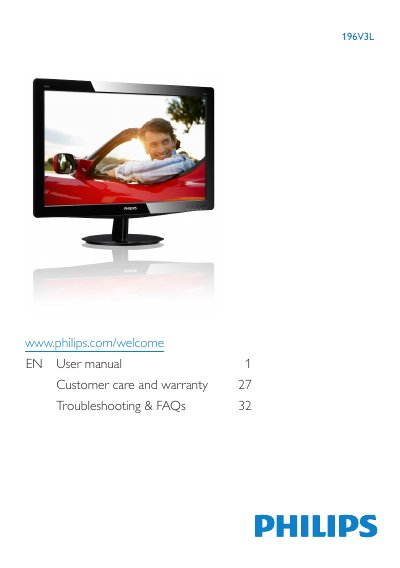
This manual explains safe handling, environmental limits, and maintenance for the Philips 196V3L LCD monitor. It includes warnings, disposal instructions, and warranty information to help users avoid damage and ensure compliance with regulations.
The guide walks you through unpacking, installing the base stand, connecting power and video cables, and using the On‑Screen Display (OSD) to adjust picture settings, color temperature, and power management. Technical specifications, power consumption data, and a troubleshooting & FAQ section are also provided for quick reference.
| Panel Type | TFT‑LCD |
|---|---|
| Backlight | LED |
| Screen Size | 18.5" (47.01 cm) |
| Aspect Ratio | 16:9 |
| Resolution (native) | 1366 × 768 @ 60 Hz |
| Brightness | 250 cd/m² |
| Contrast Ratio (typ.) | 1000:1 |
| Response Time (typ.) | 5 ms |
| Viewing Angle | 170° (H) / 160° (V) |
| Display Colors | 16.7 M |
| Power Consumption (typ.) | 13.42 W |
Set the monitor to its native resolution of 1366 × 768 @ 60 Hz, adjust the refresh rate to 60 Hz, and reconnect the cables as described in the troubleshooting section.
The recommended refresh rate is 60 Hz, though you may try up to 75 Hz if you experience screen disturbances.
Use a clean, soft cloth for normal cleaning; for extensive cleaning you may use isopropyl alcohol, but avoid solvents such as acetone or ethyl alcohol.
Select the desired resolution in the Windows Display Control Panel or equivalent OS settings, matching the monitor’s native 1366 × 768 @ 60 Hz.