
USB Ethernet adapter, supporting half-duplex mode
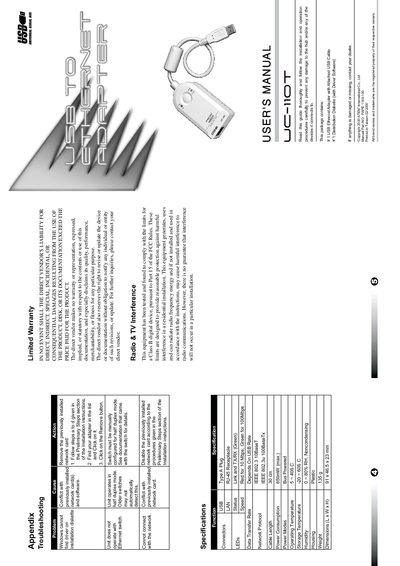
This manual explains how to install the ATEN UC-110T USB to Ethernet Adapter, a plug‑and‑play device that derives power from the USB port and supports 10/100 Mbps half‑duplex Ethernet. It includes hardware overview, driver installation, and configuration instructions for Windows 98 and Windows 2000.
The guide also lists technical specifications, troubleshooting tips for driver or network issues, and details on uninstalling the driver. Safety and regulatory information are provided at the end of the document.
| USB Interface | Specification 1.1 Compliant |
|---|---|
| Ethernet Standards | IEEE 802.3 10BaseT / IEEE 802.3u 100BaseTx |
| Power Consumption | 650 mW (max.) |
| Humidity | 0 ~ 80 % RH, non‑condensing |
| Dimensions (L×W×H) | 91 × 46.5 × 23 mm |
Plug the UC-110T into a USB port, follow the Add New Hardware Wizard, insert the distribution diskette when prompted, and let Windows copy the driver files; finish the wizard and restart if asked.
Refer to the Troubleshooting section, which advises disabling any previously installed network cards before retrying the installation.
Configure the connected Ethernet switch manually for half‑duplex operation, as the adapter defaults to half‑duplex and older switches may not auto‑detect it.