
This document provides installation and operation procedures for the US-221 and US-421 USB 2.0 Peripheral Switch. It includes a list of package contents, instructions for preventing damage, and a reminder about potential interference.
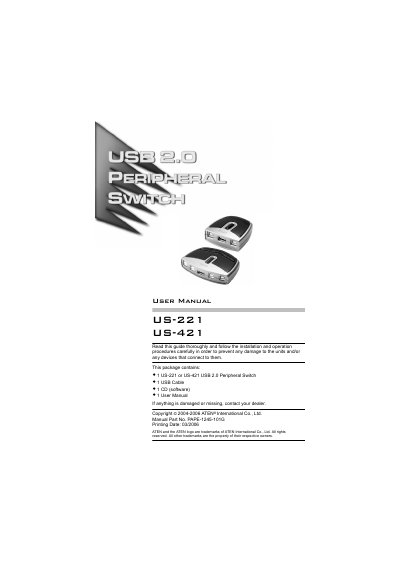
The ATEN US-221 and US-421 are USB 2.0 peripheral switches that let two or four computers share a single USB device such as a printer or scanner. The switch can be controlled manually, via hotkeys, or with a Windows‑based program.
This manual provides system requirements, step‑by‑step installation instructions, details on manual and hotkey operation, program installation and usage, troubleshooting tips, and full technical specifications of the devices.
| Number of computer ports | 2 (US-221) / 4 (US-421) |
|---|---|
| Peripheral port type | 1 x USB Type A |
| Power supply | USB Bus Powered (5 V, 2.5 W) |
| Dimensions (L×W×H) | 7.2 × 6.6 × 2.5 mm (US-221), 10.2 × 7.6 × 2.3 mm (US-421) |
| Weight | 54 g (US-221), 97 g (US-421) |
| Operating temperature | 5 °C – 40 °C |
| Storage temperature | -20 °C – 60 °C |
| Humidity range | 0 % – 80 % RH (non‑condensing) |
| Over‑current protection | Poly fuse |
Press and hold the port selection switch on the top of the unit until you hear a beep or see the next port’s LED light illuminate.
Press the Num Lock key twice to bring focus to your computer, or press Scroll Lock twice (US‑421 only) to move focus to the next port, after enabling the Next Port Hotkey in the program options.
The switch is bus‑powered from the USB port, drawing 5 V at 2.5 W.