
The document provides instructions for installing a printer and includes specifications and usage guidelines.
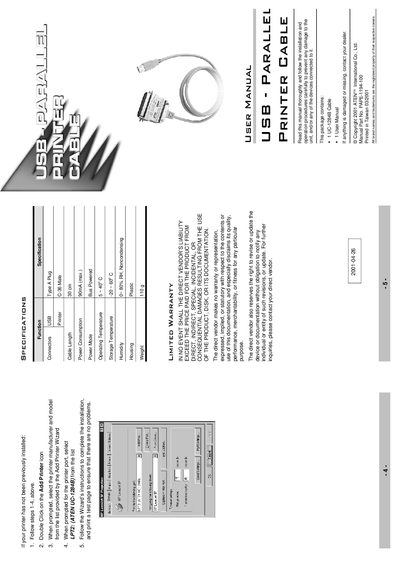
This manual explains how to install the ATEN UC-1284B USB‑Parallel printer cable on Windows systems, including driver installation, port configuration, and printer setup. It also covers how to uninstall the driver and provides troubleshooting tips.
Technical specifications such as connector type, cable length, power consumption, operating temperature, storage conditions, humidity range, housing material, and weight are listed, along with FCC compliance and safety notices.
| Connector | USB Type A Plug – Printer C‑36 Male |
|---|---|
| Cable Length | 30 cm |
| Power Consumption | 90 mA (max.) |
| Operating Temperature | 5 ~ 40 °C |
| Storage Temperature | -20 ~ 60 °C |
| Humidity | 0 ~ 80 % RH (non‑condensing) |
| Housing Material | Plastic |
| Weight | 110 g |
| Maximum Throughput | 1.216 Mbytes/s (ECP mode) |
The cable supports up to 1.216 Mbytes/s in ECP mode.
Unplug the cable, insert the distribution diskette, run UNINST.EXE from the diskette, and reboot the computer.
No, the cable draws power directly from the USB connection.