
The VE550 VGA Over Cat 5 Repeater is a product from ATEN that allows you to extend VGA signals over Cat 5 cables at 10/100Mbps.
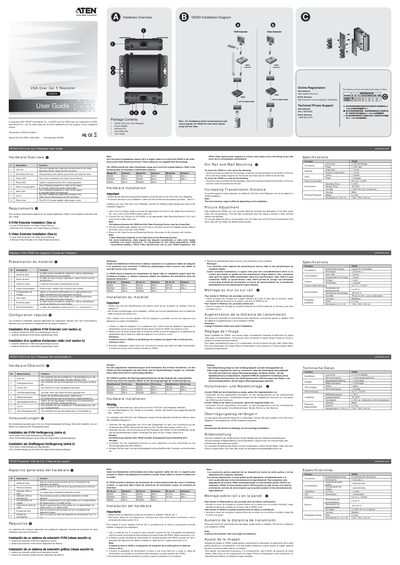
The VE550 is a VGA over Cat‑5 repeater that extends video transmission distance up to twice the original range using standard Category‑5 or higher twisted‑pair cable. It supports KVM and video‑extender configurations and includes grounding, power, and LED status indicators.
The manual covers hardware description, required tools, installation procedures (including DIN‑rail and wall mounting), wiring diagrams, picture‑adjustment knobs, and detailed technical specifications such as power consumption, operating temperature, and physical dimensions.
| Video Gain Control | 1 knob |
|---|---|
| Picture Compensation Control | 1 knob |
| LED Indicators | Online (green) and Power (orange) |
| Power Consumption | DC 5.3 V, 2.52 W |
| Operating Temperature | 0 °C to 50 °C |
| Storage Temperature | -20 °C to 60 °C |
| Humidity | 0 %–80 % RH, non‑condensing |
| Housing Material | Metal |
| Weight | 0.14 kg |
| Dimensions (L × W × H) | 7.38 × 7.90 × 2.44 cm |
A Category‑5 or higher twisted‑pair cable is required to connect the VE550 to the video source and receiving devices.
The VE550 can extend the video transmission distance up to twice the original distance, with specific model distances ranging from 200 m to 600 m depending on the extender used.
Use the Video Gain knob and the Picture Compensation knob to manually adjust signal gain and image compensation until the desired picture quality is achieved.
The unit requires a 5.3 V DC power supply and consumes 2.52 W of power.