
This manual provides detailed information on the installation and operation of the UN-201 USB 2.0 data link cable.
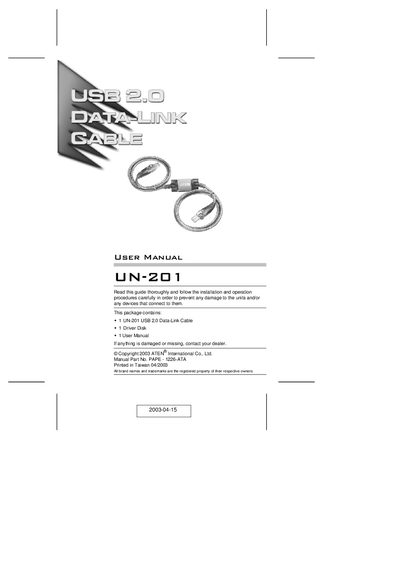
This manual explains how to install the ATEN UN-201 USB 2.0 Data-Link Cable, including driver installation, configuration of peer‑to‑peer networking, and optional bridging to an Ethernet LAN. It covers required system specifications, step‑by‑step procedures for both the SuperLink and Virtual Network drivers, and how to share files and peripherals across up to 17 computers.
Additional sections describe troubleshooting, FCC compliance, uninstallation of drivers, and detailed technical specifications such as connector type, cable length, supported operating systems, and environmental limits.
| Connector Type | 2 x USB Type A plugs |
|---|---|
| Cable Length | 1.8 m |
| Supported Operating Systems | Windows 98/98SE/2000/Me/XP |
| Data Transfer Rate | Up to 480 Mbps |
| Power Mode | Bus Powered |
| Operating Temperature | 0 ~ 50 °C |
| Storage Temperature | -20 ~ 60 °C |
| Humidity | 0 ~ 80 % RH (non‑condensing) |
| Weight | 100 g |
The UN-201 can link up to 17 computers in a peer‑to‑peer network.
Install the driver first, then plug the USB 2.0 Data‑Link Cable into the computers.
Open Windows Explorer, right‑click the printer, select Sharing, choose a shared name, set access rights, and confirm.