
This document describes how to use USB Hub, including wiring methods and troubleshooting methods.
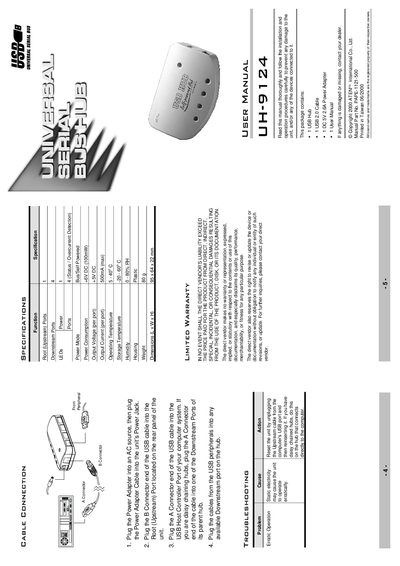
The ATEN UH-9124 is a four‑port USB 2.0 hub that connects USB peripherals to a computer’s host controller. It offers per‑port over‑current detection, LED status indicators, and can be daisy‑chained for additional ports.
The manual explains how to connect the power adapter, attach the upstream USB cable, and plug devices into the downstream ports. It also covers LED functions, troubleshooting erratic operation, and compliance with FCC Class B limits.
| Root (Upstream) Ports | 1 |
|---|---|
| Downstream Ports | 4 |
| Power Mode | Bus/Self Powered |
| Power Consumption | +6V DC (100mW) |
| Output Voltage (per port) | +5V DC |
| Output Current (per port) | 500mA (max) |
| Operating Temperature | 5 - 40 °C |
| Storage Temperature | -20 - 60 °C |
| Dimensions (L × W × H) | 95 × 64 × 22 mm |
| Weight | 80 g |
Unplug the upstream USB cable from the computer, then plug it back in to reset the unit.
The hub provides four downstream ports for USB devices.
Each downstream port can supply up to 500 mA of current.